

The Orders module is where details of all of your orders from customers are. Orders represent your sales, and can be filtered by Order Channel, Customer Name, Order No, Order Reference, Order Rep, the Date Created, with filters for statuses such as 'Archived', 'Drafts', 'Completed', 'Dispatched'
On the main screen for this module you will see a list of orders displayed based on the filters selected. You can adjust the filters to see orders which meet the criteria you have selected.
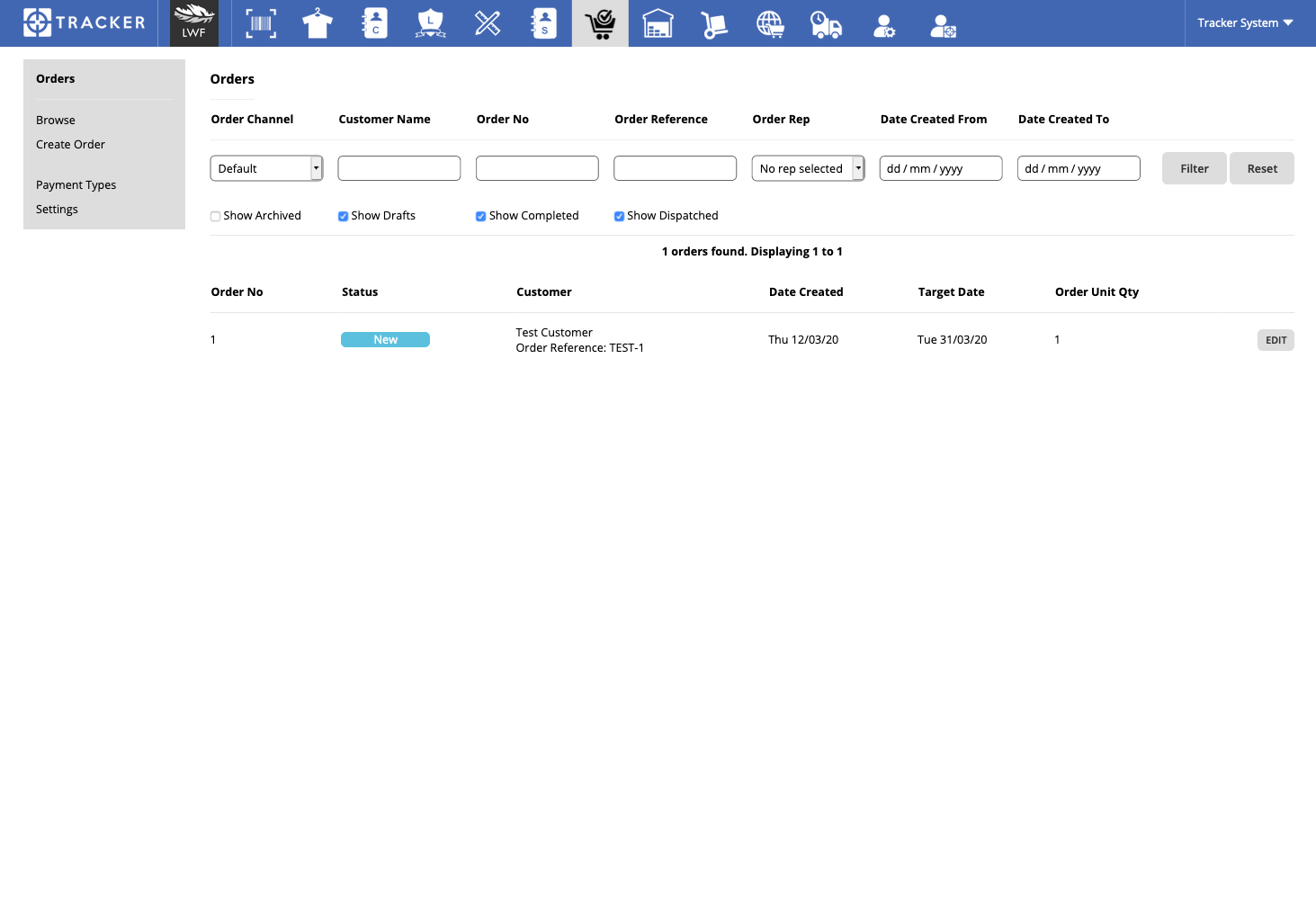
This is the main Orders "Browse" screen
If you click on an order you will be taken into the View/Edit Order screen where you can see more information, and, depending on the status of the order, make changes.
More Information